





Your integrations should build themselves_

Tightrope helps you turn any website into an integration.

Our AI-native builder lets you automate complex, multi-step workflows across any enterprise system—with the speed and reliability your customers expect.

Book a Demo

Every portal,
programmable
as an API

Extract data, submit workflows, and authenticate securely, all through code you control. Tightrope makes legacy systems behave like modern APIs so your product can do connect to anything.

Legacy Systems

  • EHR Portals
  • Claims Dashboards
  • Govt. Forms

Tightrope

  • Builder
  • Playbooks
  • Runner

Your Application

  • Enterprise AI Apps
  • Healthcare Tech
  • Logistics

What you can
build with Tightrope

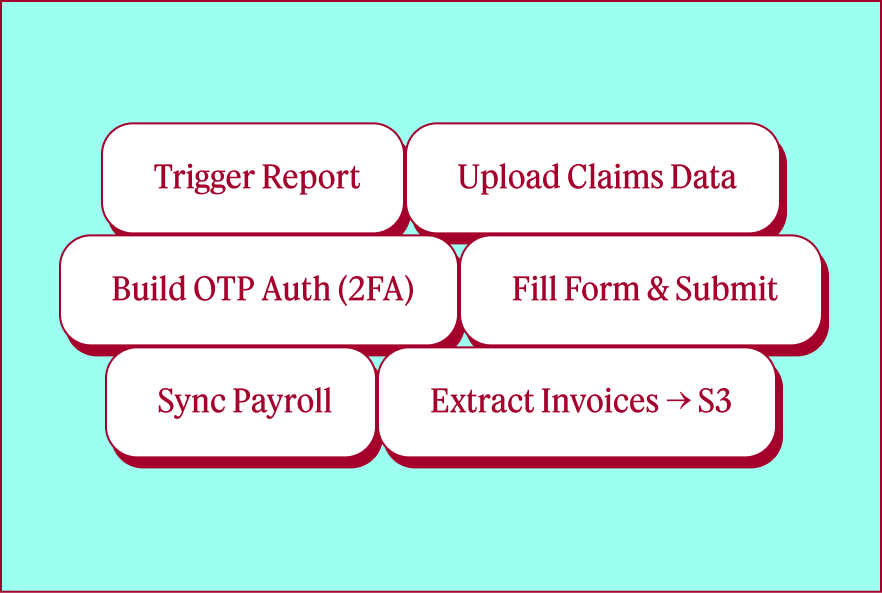
Integrate with any system, even ones that will never build an API.

Handle complex
authentication

Log into systems with 2FA, SSO, or rotating credentials. Your customers' credentials stay encrypted and every access is audited.

Extract data from legacy portals

Pull invoices, claims data, or compliance reports from any web portal. Extract hundreds of docs in a single run and get structured data back.

Submit forms and workflows

Submit applications, update records, or file reports through multi-step web forms. Add human approval checkpoints wherever you need them.

Automate complex,
multi-step processes

Navigate conditional flows, handle dynamic forms, and manage file uploads. The code is yours to inspect, version control, and modify.

Watch AI build your
integration, then deploy it.

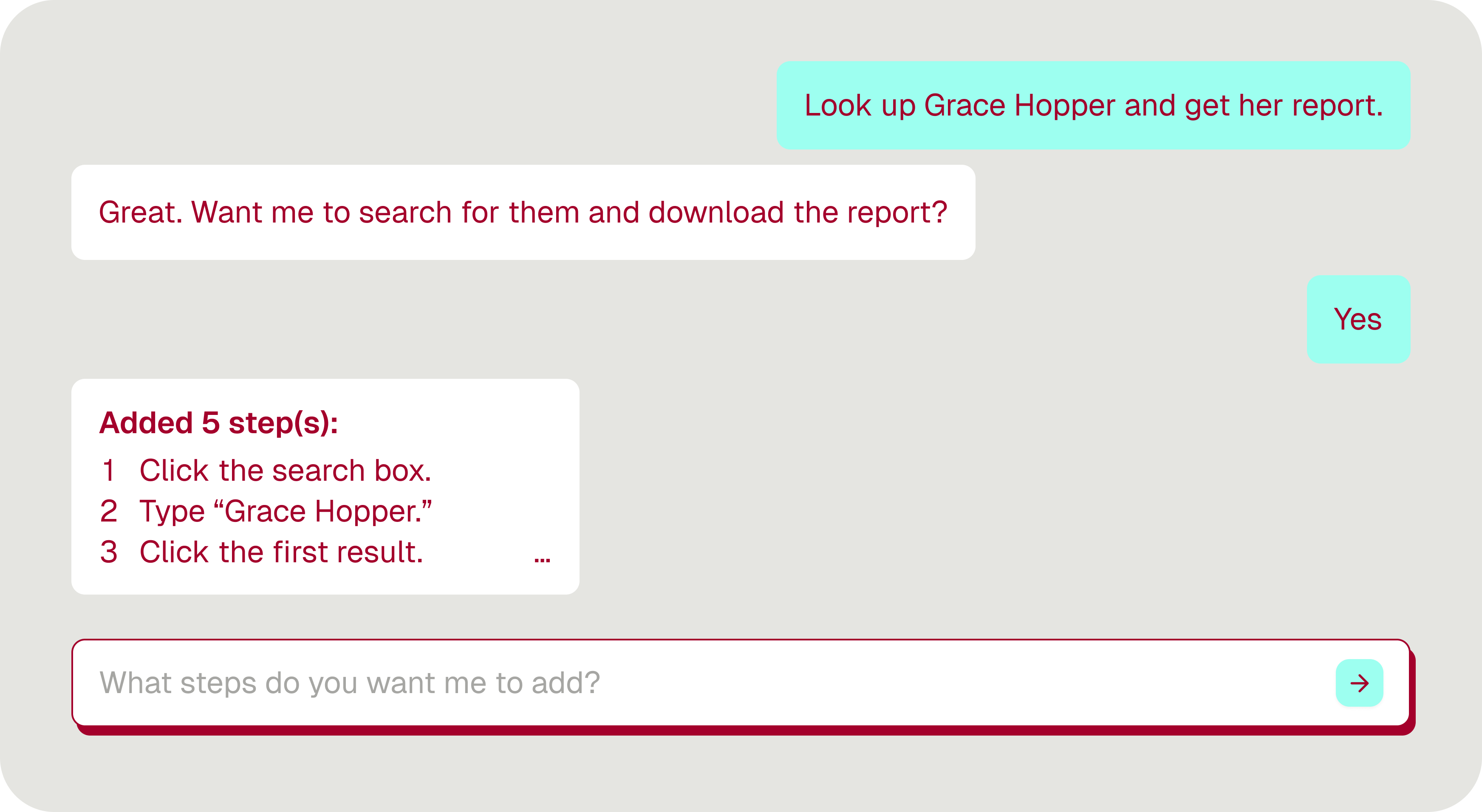
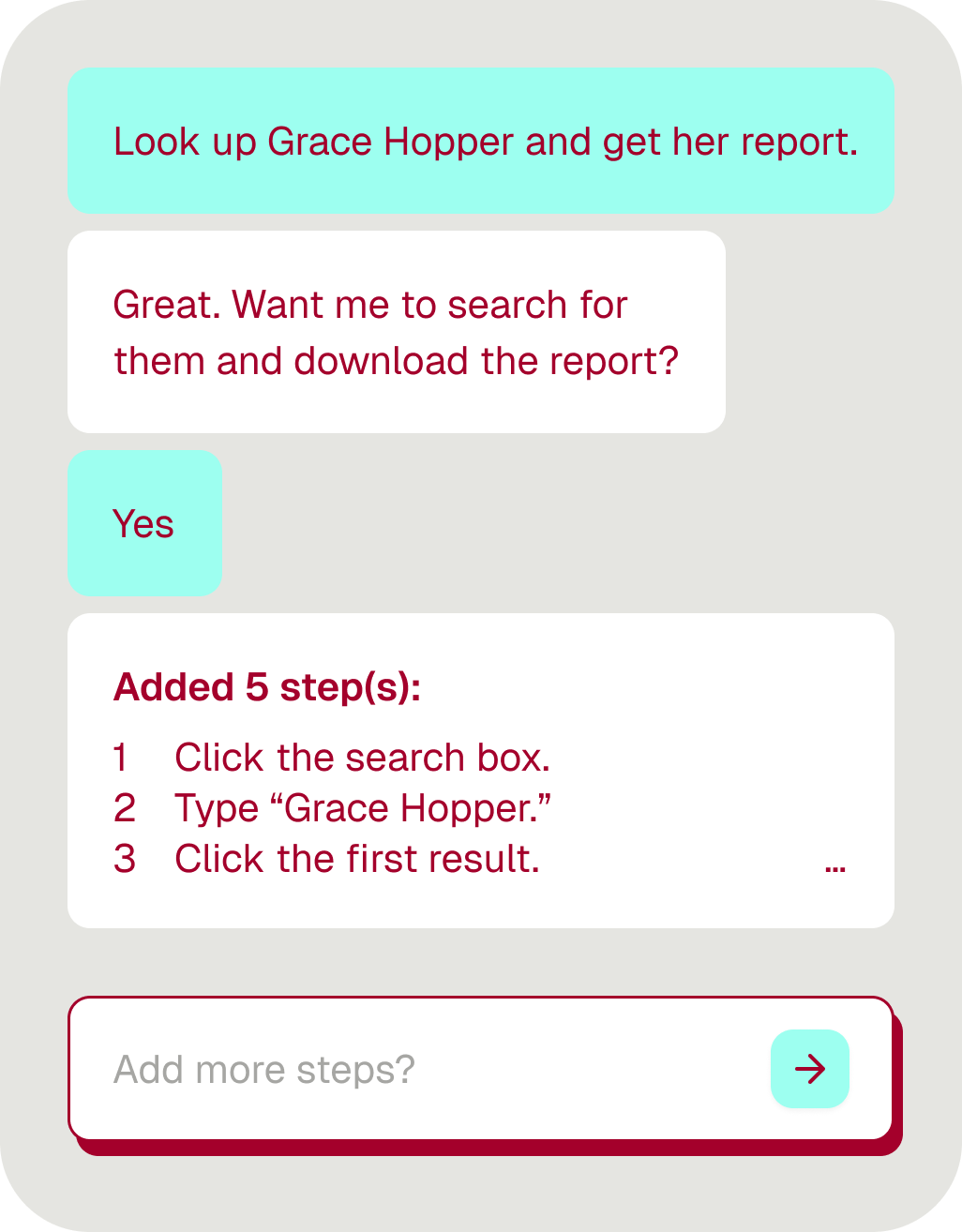
Describe what you need, and watch Tightrope navigate the browser in real time—turning clicks and forms into working playbooks you can ship immediately.

AI Assistant

Describe what you want your Playbook to do

A screenshot of an AI chat within Tightrope.Chat interface showing a conversation about looking up Grace Hopper and downloading her report with steps to click the search box, type Grace Hopper, and click the first result.

See the magic happen

Watch Tightrope’s agent interact with live websites, filling forms and extracting data

Human approval gates

Add checkpoints wherever you need manual review before submission

Secure credential handling

Manage auth flows, 2FA, and customer credentials safely

Workflow Preview

Visual representation of your automation

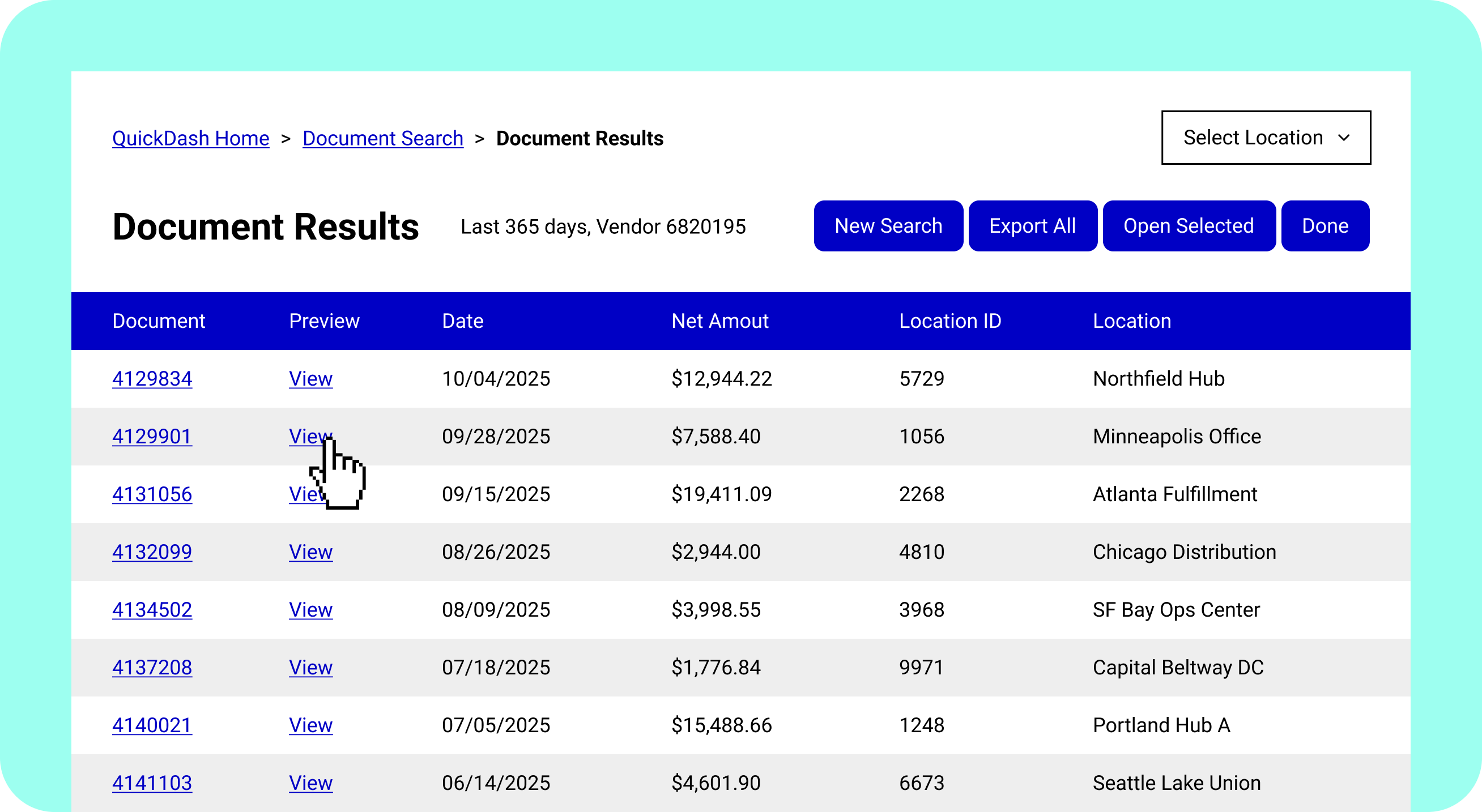
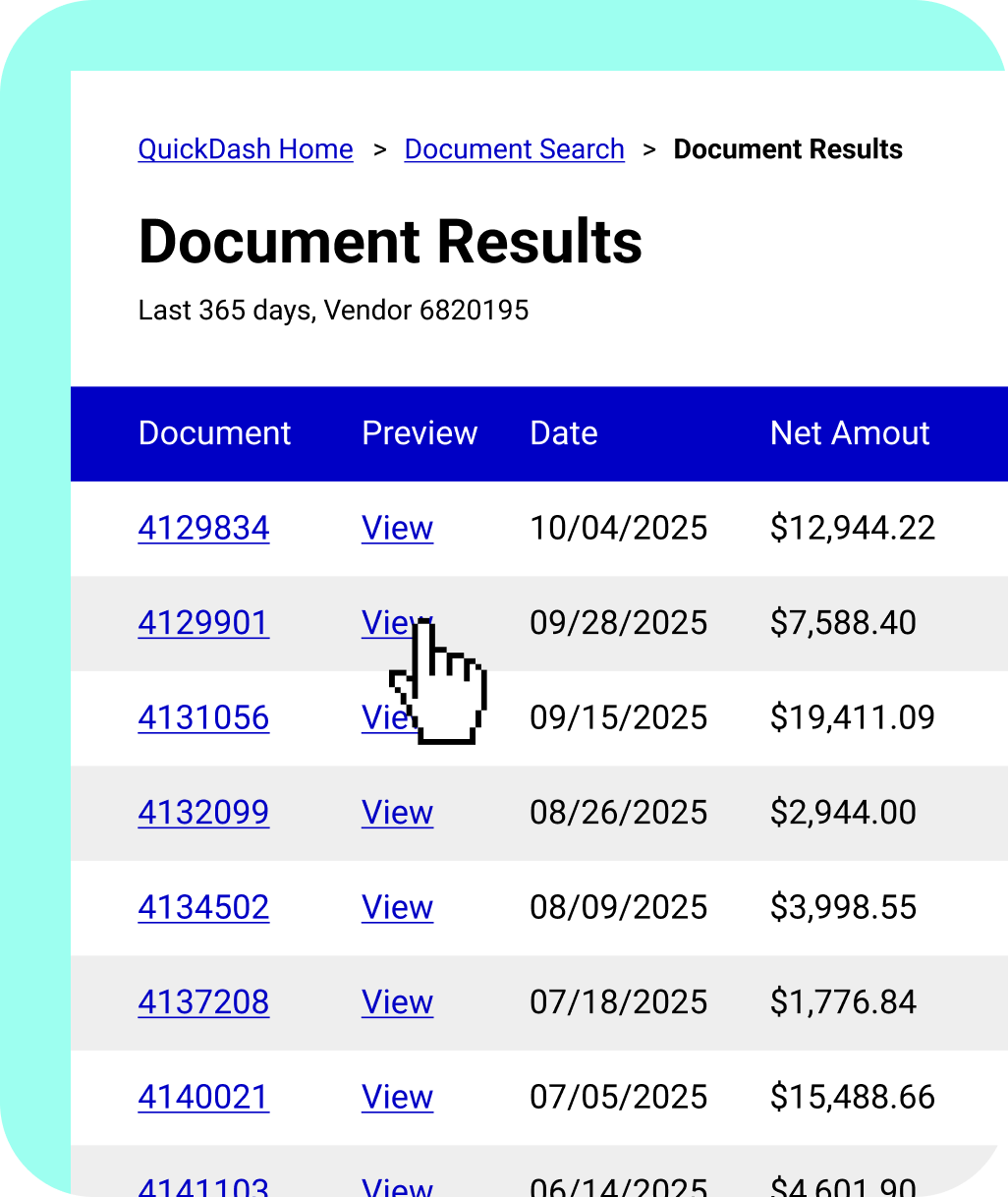
Document Results page listing documents with columns for Document, Preview, Date, Net Amount, Location ID, and Location, featuring links to view documents and buttons for New Search, Export All, Open Selected, and Done.Document Results table showing document numbers, preview links, dates, and net amounts for vendor 6820195 over the last 365 days.

Playbooks

Playbooks

Playbooks

Playbooks

Playbooks

Playbooks

Playbooks

Playbooks

Playbooks

From development to production: customize for every edge case.

AI-generated integrations become reusable Playbooks. Transparent code you can adapt for different accounts, handle exceptions, and refine until it works perfectly for your customers.

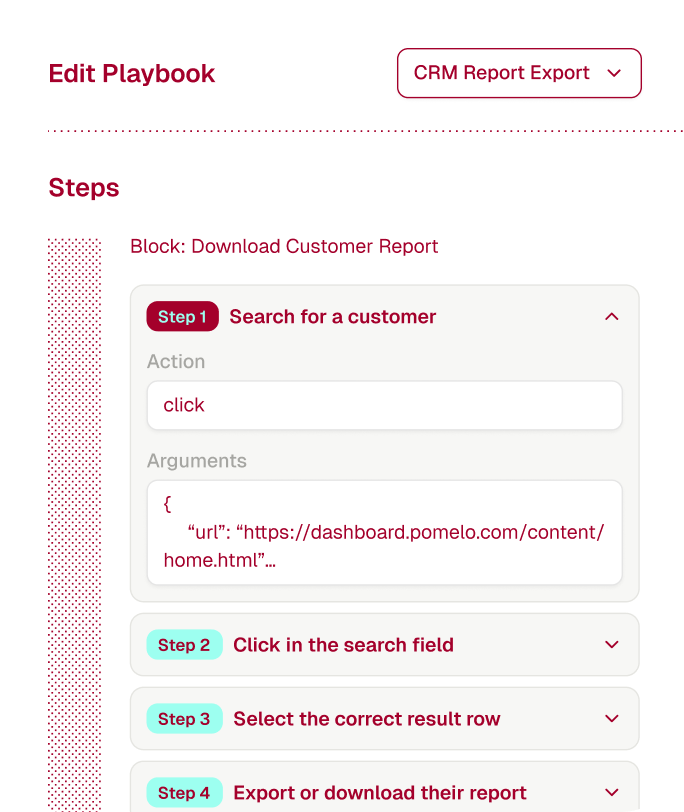
Mobile interface showing an Edit Playbook screen with steps for downloading a customer report, including actions like searching for a customer and clicking in the search field.

Inspect every step

View Playbooks as high-level blocks or detailed code.

Customize per account

Adapt workflows for different customer portals and exceptions.

Version and deploy

Treat Playbooks like any other code—commit, test, release

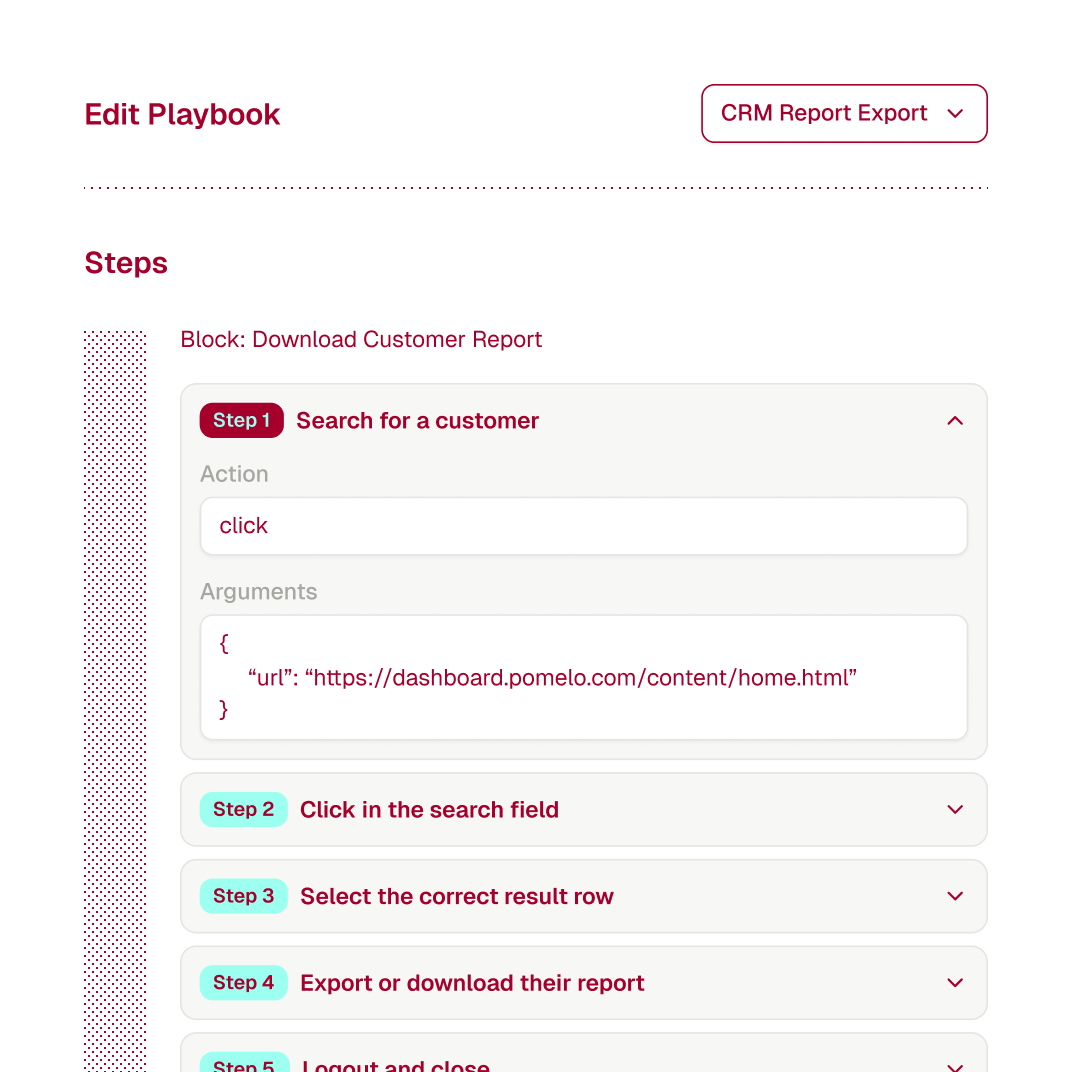
User interface for editing a playbook titled 'Download Customer Report' with steps including 'Search for a customer' with a click action URL, 'Click in the search field,' 'Select the correct result row,' 'Export or download their report,' and 'Logout and close.'
The word 'Runner' displayed in large, dark red text with a pattern of small lighter red dots on a black background.Vertical black stripes with red diamond patterns on a red background.The word 'Runner' displayed in large, dark red text with a pattern of small lighter red dots on a black background.Vertical black stripes with red diamond patterns on a red background.The word 'Runner' displayed in large, dark red text with a pattern of small lighter red dots on a black background.Vertical black stripes with red diamond patterns on a red background.
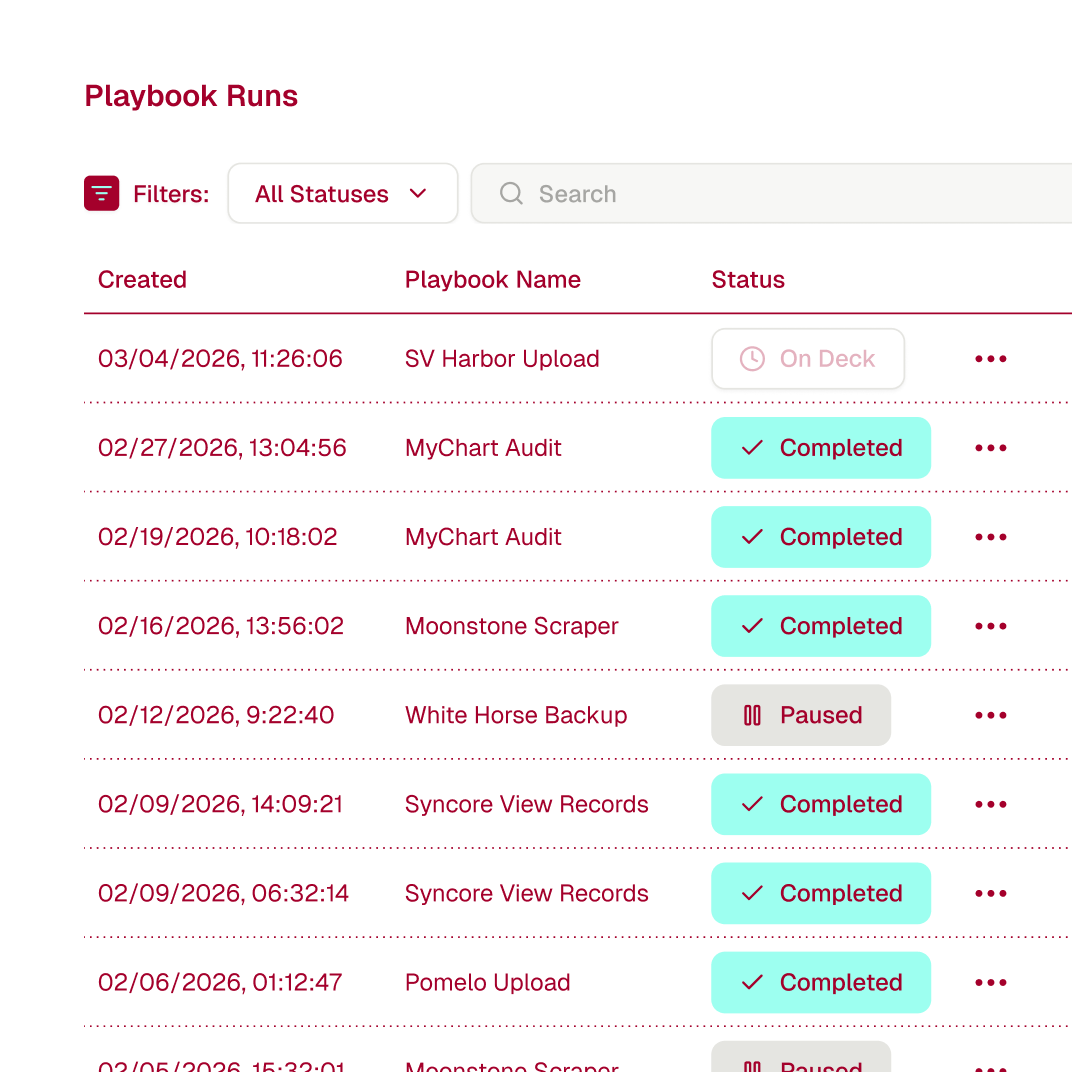
Table showing playbook runs with columns for creation date, playbook name, and status including On Deck, Completed, and Paused.Table listing playbook runs with columns for creation date, playbook name, and status including On Deck, Completed, and Paused.

Build with confidence,
at any scale.

Every automation runs in isolated browsers with complete observability. Track what happened, debug instantly,and let AI handle maintenance when portals change.
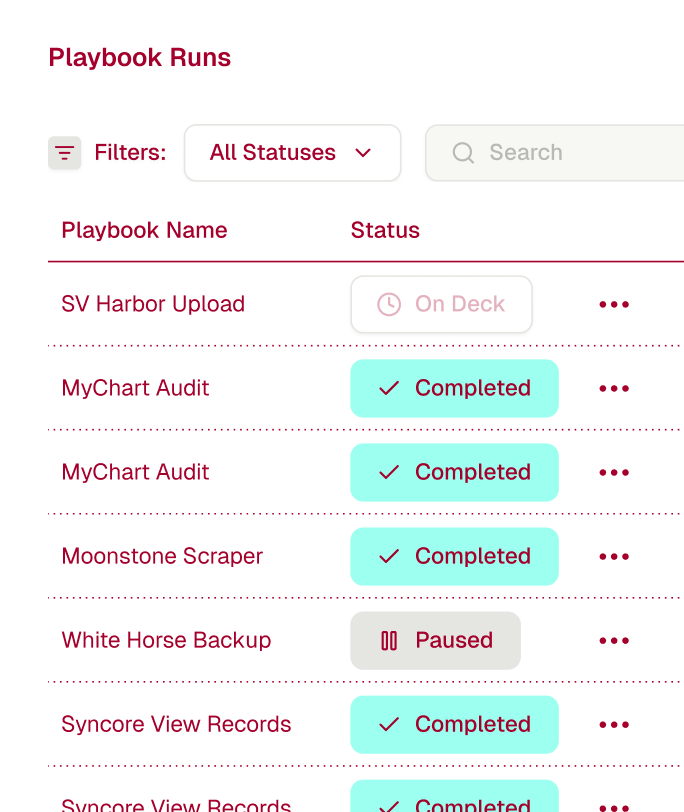
User interface showing a list titled Playbook Runs with filters for status, including playbook names like SV Harbor Upload, MyChart Audit, Moonstone Scraper, and statuses such as On Deck, Completed, and Paused.

Full execution logs

See exactly what happened in every run, replay failures, audit for compliance

Self-healing updates

AI detects UI changes and updates Playbooks automatically.

Production-grade infrastructure

Isolated sessions, deterministic execution, guaranteed reliability.

Use Tightrope
wherever you build

Run playbooks from your application as API calls, use our SDKs, or connect via MCP.

RUN_PLAYBOOK.SH
1curl -X POST https://api.tightrope.dev/playbooks/{playbook_id}/run \
2 -H "X-Project-Id: projects-xxx" \
3 -H "X-Secret-Key: secrets-xxx" \
4 -H "Content-Type: application/json" \
5 -d '{"linked_account_credential_id": "lac-xxx"}'
1import requests
2
3response = requests.post(
4 "https://api.tightrope.dev/playbooks/{playbook_id}/run",
5 headers={
6 "X-Project-Id": "projects-xxx",
7 "X-Secret-Key": "secrets-xxx",
8 "Content-Type": "application/json"
9 },
10 json={"linked_account_credential_id": "lac-xxx"}
11)
1const response = await fetch("https://api.tightrope.dev/playbooks/{playbook_id}/run", {
2 method: "POST",
3 headers: {
4 "X-Project-Id": "projects-xxx",
5 "X-Secret-Key": "secrets-xxx",
6 "Content-Type": "application/json"
7 },
8 body: JSON.stringify({ linked_account_credential_id: "lac-xxx" })
9});
1payload := []byte(`{"linked_account_credential_id": "lac-xxx"}`)
2
3req, _ := http.NewRequest("POST", "https://api.tightrope.dev/playbooks/{playbook_id}/run", bytes.NewBuffer(payload))
4req.Header.Set("X-Project-Id", "projects-xxx")
5req.Header.Set("X-Secret-Key", "secrets-xxx")
6req.Header.Set("Content-Type", "application/json")
7
8client := &http.Client{}
9response, _ := client.Do(req)
1require 'net/http'
2require 'json'
3
4uri = URI("https://api.tightrope.dev/playbooks/{playbook_id}/run")
5
6http = Net::HTTP.new(uri.host, uri.port)
7http.use_ssl = true
8
9request = Net::HTTP::Post.new(uri)
10request["X-Project-Id"] = "projects-xxx"
11request["X-Secret-Key"] = "secrets-xxx"
12request["Content-Type"] = "application/json"
13request.body = { linked_account_credential_id: "lac-xxx" }.to_json
14
15response = http.request(request)